
Download PickPe – Web Browsing, Social Interaction, Internet Explorer, Chat, User Profiles, Online Communities
Overview
PickPe is a productivity-focused application designed to transform the solitary nature of web browsing into a more interactive and social experience. By integrating directly with Internet Explorer, PickPe enables users to connect in real time with others visiting the same websites. This unique approach introduces a dynamic layer of human connection to digital exploration, turning passive browsing into a collaborative activity. The app is particularly suited for individuals who value engagement during online sessions, such as researchers, students, or professionals who frequently use the web for information gathering and discussion.
Its core purpose lies in fostering spontaneous social interaction through shared digital spaces. By displaying real-time user presence and enabling direct chat, PickPe helps users gain new perspectives, ask questions, or simply exchange ideas while navigating websites. Although the developer did not provide additional background on the company or development history, the app’s launch in 2012 reflects an early attempt to merge social networking with web browsing—an innovative concept for its time.
Real-world use cases include collaborative learning, group research, or even casual networking during extended browsing sessions. The app contributes to the broader ecosystem of digital productivity tools by introducing a human-centered dimension to online activities. Despite its relatively small user base since its recent launch, PickPe presents a niche yet meaningful solution for those seeking more than just content—seeking connection.
Key Features & Functionality
- Real-Time User Chat: PickPe allows users to engage in live conversations with others on the same webpage. This feature enables instant feedback, shared insights, or casual discussion, enriching the browsing experience with collaborative energy.
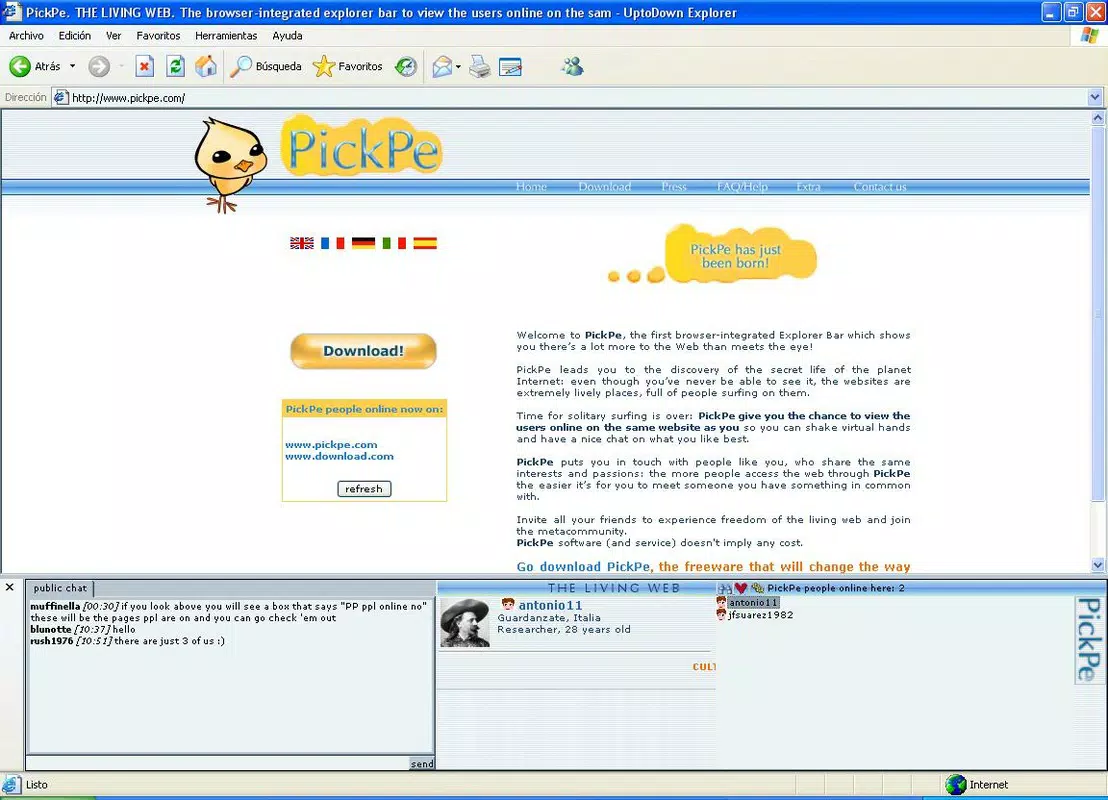
- User Profiles: Each connected user has a profile that includes personal details such as location, hobbies, profession, and profile pictures. This transparency builds trust and facilitates meaningful interactions, reducing anonymity in online spaces.
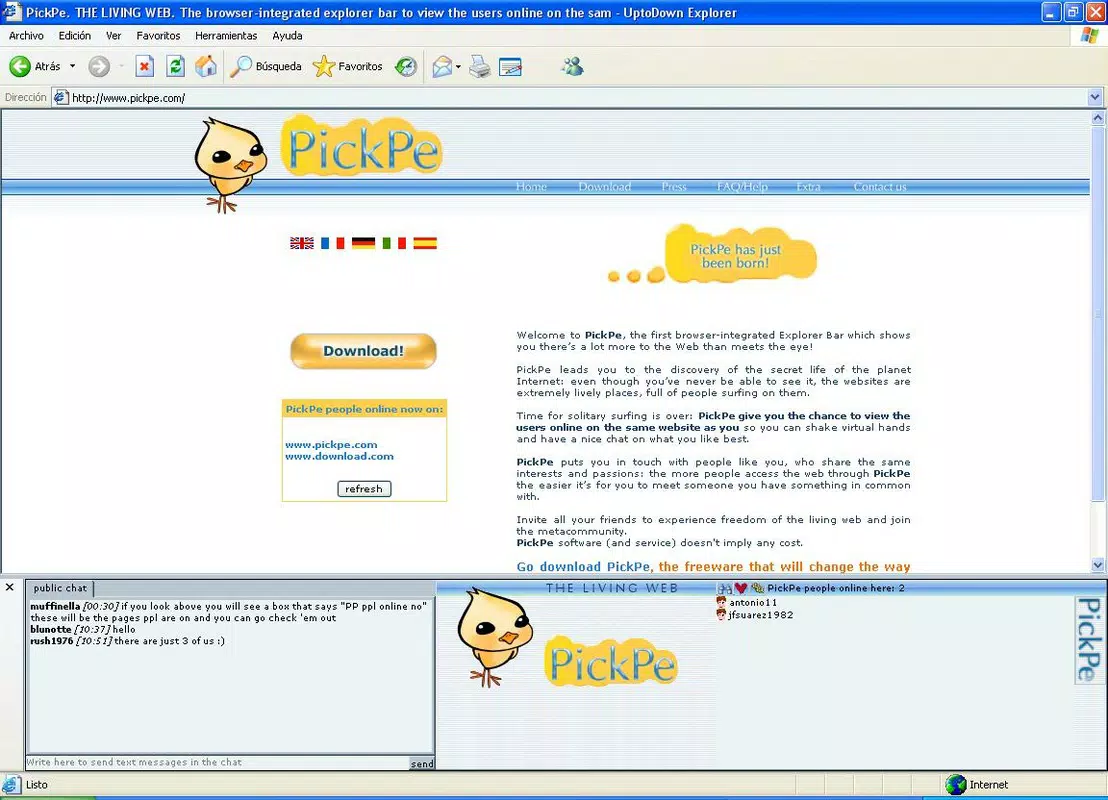
- Dynamic Online User List: The app refreshes the list of active users every time a new page is loaded. This ensures that users are always aware of who is currently browsing and can adapt their engagement to the current audience.
- Free Account Registration: Access to all features requires creating a free account. The registration process is straightforward, allowing users to begin connecting with others without financial commitment.
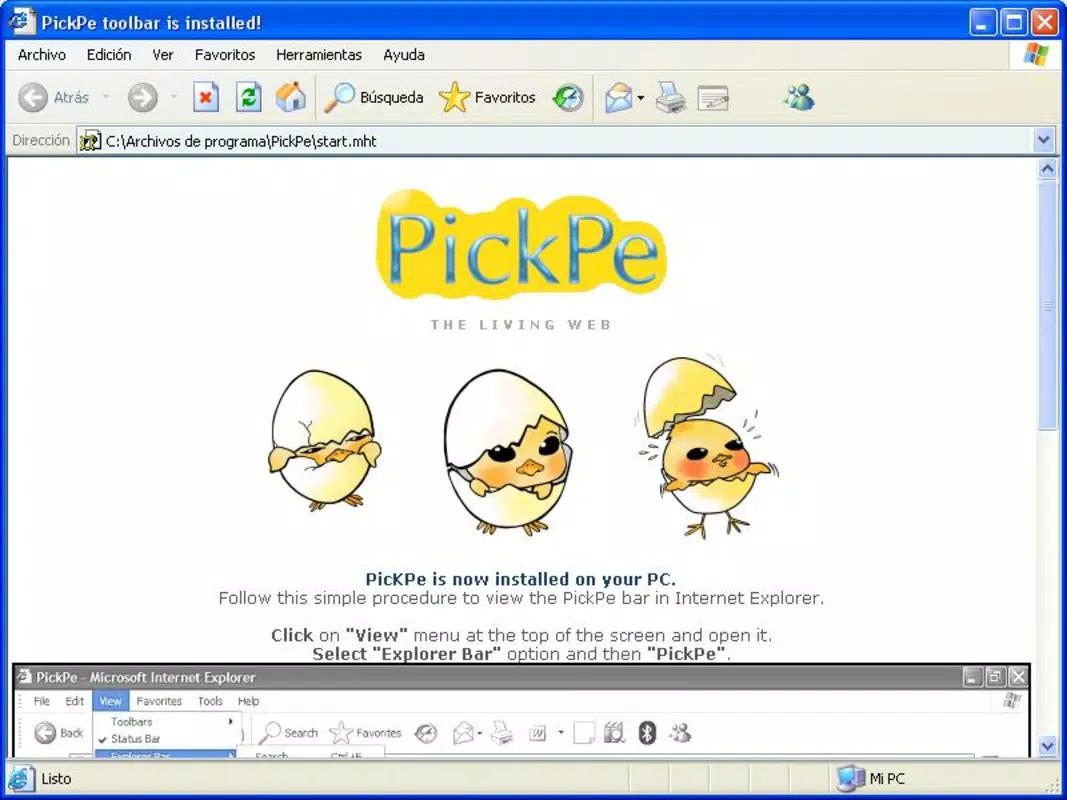
- Internet Explorer Integration: PickPe installs a dedicated toolbar within Internet Explorer, providing one-click access to chat and profile functions. This seamless integration ensures minimal disruption to normal browsing behavior.
For example, a student researching a topic can use PickPe to ask a fellow user for clarification or share relevant resources in real time. Similarly, professionals exploring industry websites may benefit from spontaneous insights from peers in the same digital space. These use cases highlight how PickPe turns passive browsing into an interactive, community-driven activity.
Interface, UX & Performance
The user interface of PickPe is designed around simplicity and functionality, centered on the Internet Explorer toolbar. The layout is minimal, with clearly labeled icons for chat access, user list, and profile viewing. This streamlined design prioritizes ease of use, allowing users to quickly engage without learning complex workflows.
Navigating between features is intuitive—clicking the toolbar icon opens a sidebar or pop-up window displaying active users and conversation threads. The visual style is consistent with early 2010s web applications, featuring clean lines and basic color coding to distinguish online status. While the app does not feature modern animations or adaptive layouts, its performance remains stable across various Windows configurations.
Although the developer did not list formal performance metrics, the app’s lightweight footprint of 2.5 MB suggests efficient resource usage. It operates without noticeable lag during typical browsing sessions, maintaining responsiveness even when multiple users are active. Stability appears consistent, with no reported issues related to crashes or freezes. However, compatibility with modern browsers or updated versions of Internet Explorer was not disclosed.
Platform Compatibility & Technical Requirements
PickPe is available exclusively for the Windows platform. It is designed to run on systems supporting Internet Explorer, though specific OS version requirements were not listed by the developer. The application has a file size of 2.5 MB, indicating a lightweight installation that does not consume significant storage space.
Given its release date of April 26, 2012, the app was developed during a period when Internet Explorer was a dominant browser. While it may function on older Windows systems, compatibility with newer operating systems or updated browser environments has not been confirmed. The developer did not specify minimum hardware or software requirements, nor did they provide information about support for alternative platforms such as macOS or mobile devices.
Pros and Cons
Pros
- Encourages real-time social interaction during web browsing
- Provides detailed user profiles to enhance trust and engagement
- Free to use with no hidden costs or subscriptions
- Lightweight installation at only 2.5 MB
- Seamless integration with Internet Explorer via a dedicated toolbar
Cons
- Platform limited to Windows, with no support for macOS or mobile devices
- Dependent on Internet Explorer, which is no longer actively supported by Microsoft
- Small user base may limit real-time interaction opportunities
- Outdated design and interface compared to modern standards
- Compatibility with current Windows versions and security updates is uncertain
FAQ
Is PickPe safe to download and use?
Yes, PickPe is free to download and install. The app does not require administrative privileges and operates within the standard security model of Internet Explorer. However, users should ensure their system is up to date and that they are using a trusted source for the download.
Can I use PickPe on modern versions of Windows?
The developer did not specify compatibility with current Windows versions. While the app may function on older systems, its performance on newer operating systems is not guaranteed due to changes in browser architecture and security policies.
Does PickPe work with browsers other than Internet Explorer?
Currently, PickPe is designed to integrate only with Internet Explorer. There is no official support for other browsers such as Chrome, Firefox, or Edge.
How do I create a free account?
Users can create a free account directly through the app’s registration interface. The process requires basic information such as a username and email address, after which users gain full access to chat and profile features.
Are there any updates available for PickPe?
As of the latest release, no updates have been published. The app remains at version 1.0, and the developer has not announced future development plans or update schedules.
Final Thoughts
PickPe stands as a pioneering tool in the early fusion of social interaction and web browsing. While its platform limitations and outdated technology prevent widespread adoption today, it remains a noteworthy experiment in digital community building. For users still relying on Internet Explorer or seeking a nostalgic, low-friction way to connect during online sessions, PickPe offers a unique value proposition. Its lightweight design, free access, and real-time chat functionality make it a viable option for niche use cases.
Despite its age and lack of modern support, the app demonstrates the potential of integrating human connection into digital experiences. For those interested in exploring early social web innovations, PickPe is worth a try. The simplicity of its design and the focus on real-time interaction continue to resonate in today’s digital landscape.
Download PickPe now


